Couchbase Docker Setup
Prerequisites
- Docker should be installed and running
- Port 8091 should be available for Couchbase Web Console
For detailed Docker installation instructions, please refer to: https://docs.couchbase.com/server/current/install/getting-started-docker.html
Install Couchbase
Run the Couchbase Server container:
docker run -d --name couchbase -p 8091-8096:8091-8096 -p 11210-11211:11210-11211 couchbase
Configure Couchbase
Access the Couchbase Web Console at: http://localhost:8091
Setup Cluster
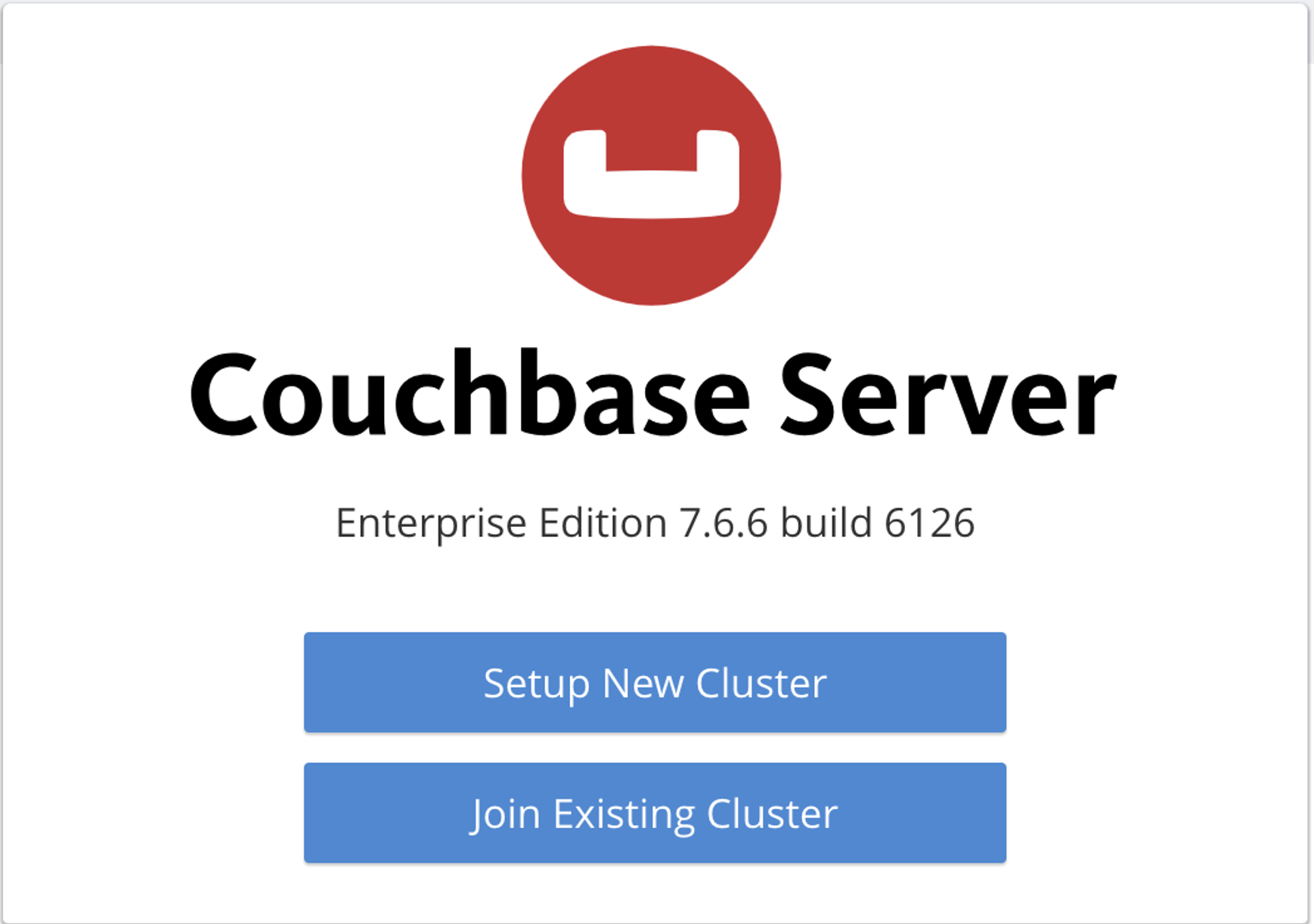
Click Setup New Cluster to begin the configuration process.
Create your access credentials
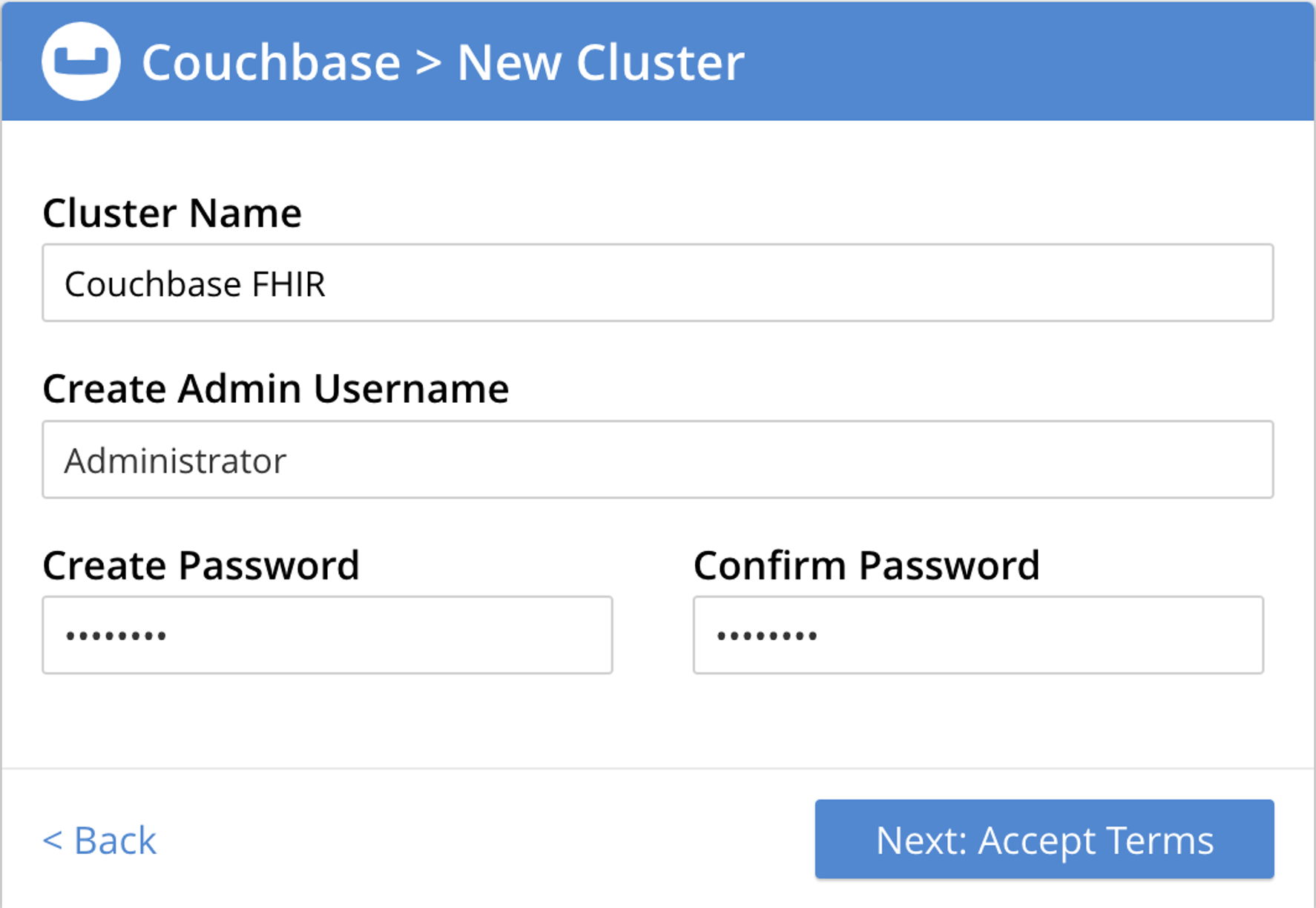
- Cluster Name: You can name the cluster as per your choice (e.g., "FHIR-Cluster")
- Username: Administrator username for cluster access
- Password: Choose a strong password - Note this down as you will be using it later when configuring FHIR
Configure Disk, Memory, Services
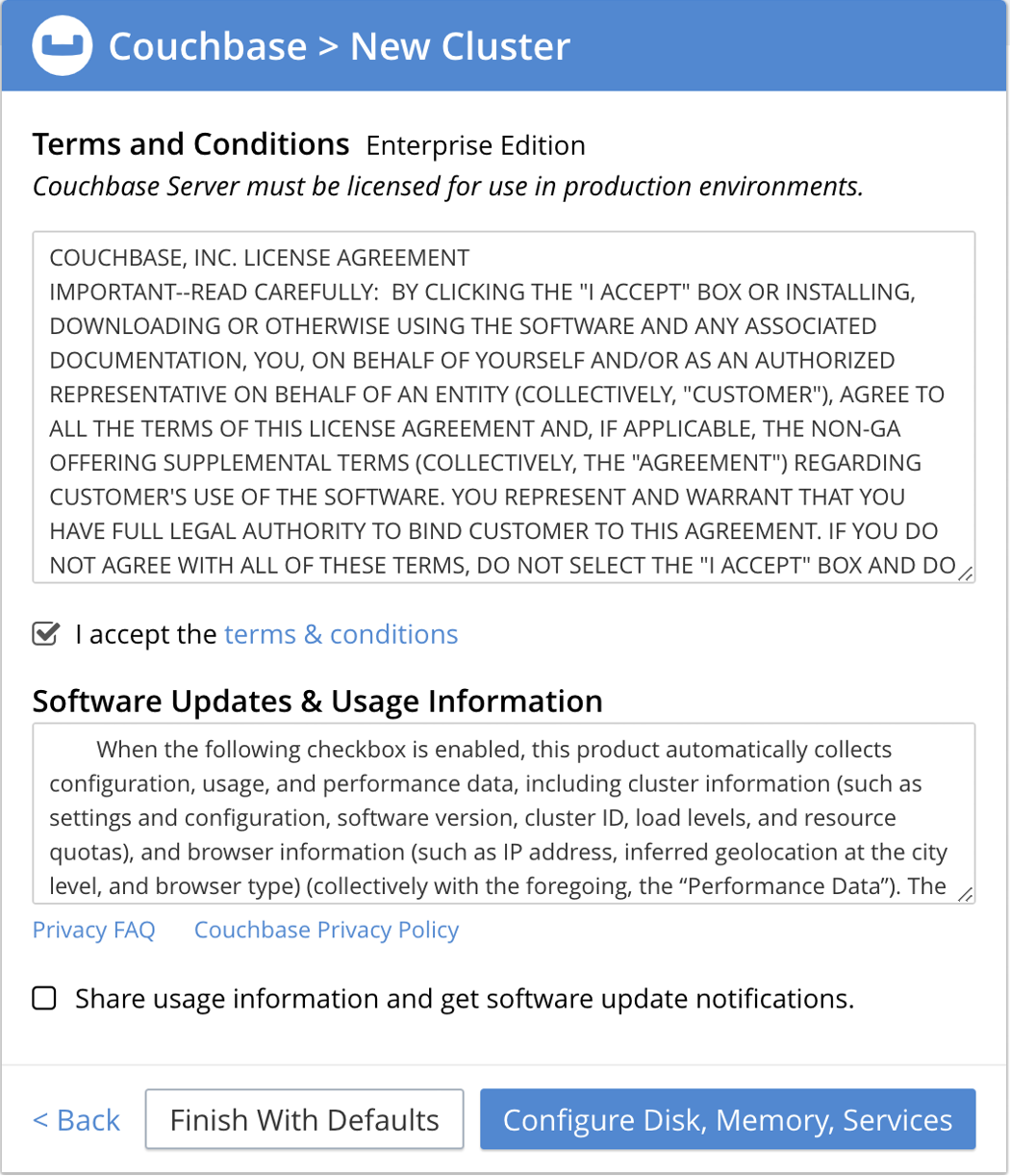
Do not finish with defaults! Instead, choose the Configure option to properly configure the services for FHIR usage.
Set Services Quotas
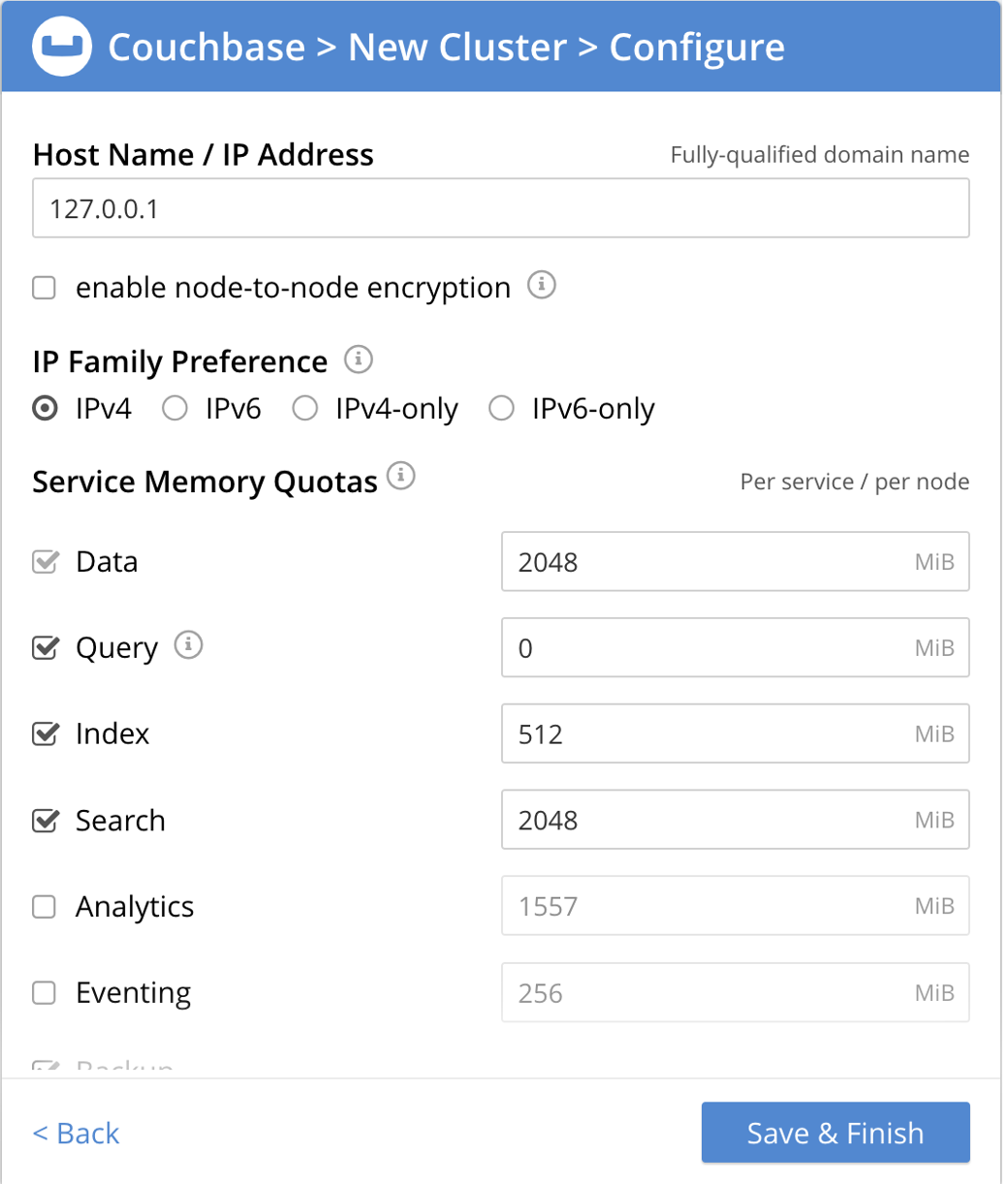
Configure the services specifically for FHIR usage:
Node Settings:
- Node IP: Leave as
127.0.0.1(default)
Required Services for FHIR:
- Data Service - Core document storage
- Query Service - N1QL queries for FHIR operations
- Index Service - Primary indexes
- Search Service - Full-text search capabilities
Memory Allocation:
- Query Service: Set to
0(unlimited) - Data & Search: Allocate same size (e.g., 1024 MB each)
- Index Service: Minimal allocation (e.g., 256 MB) - FHIR does not use GSI indexes heavily
FHIR CE primarily uses Data, Query, Index, and Search services. Other services like Analytics and Eventing are not required for basic FHIR functionality.
FHIR Tenant Configuration
Create the FHIR Bucket
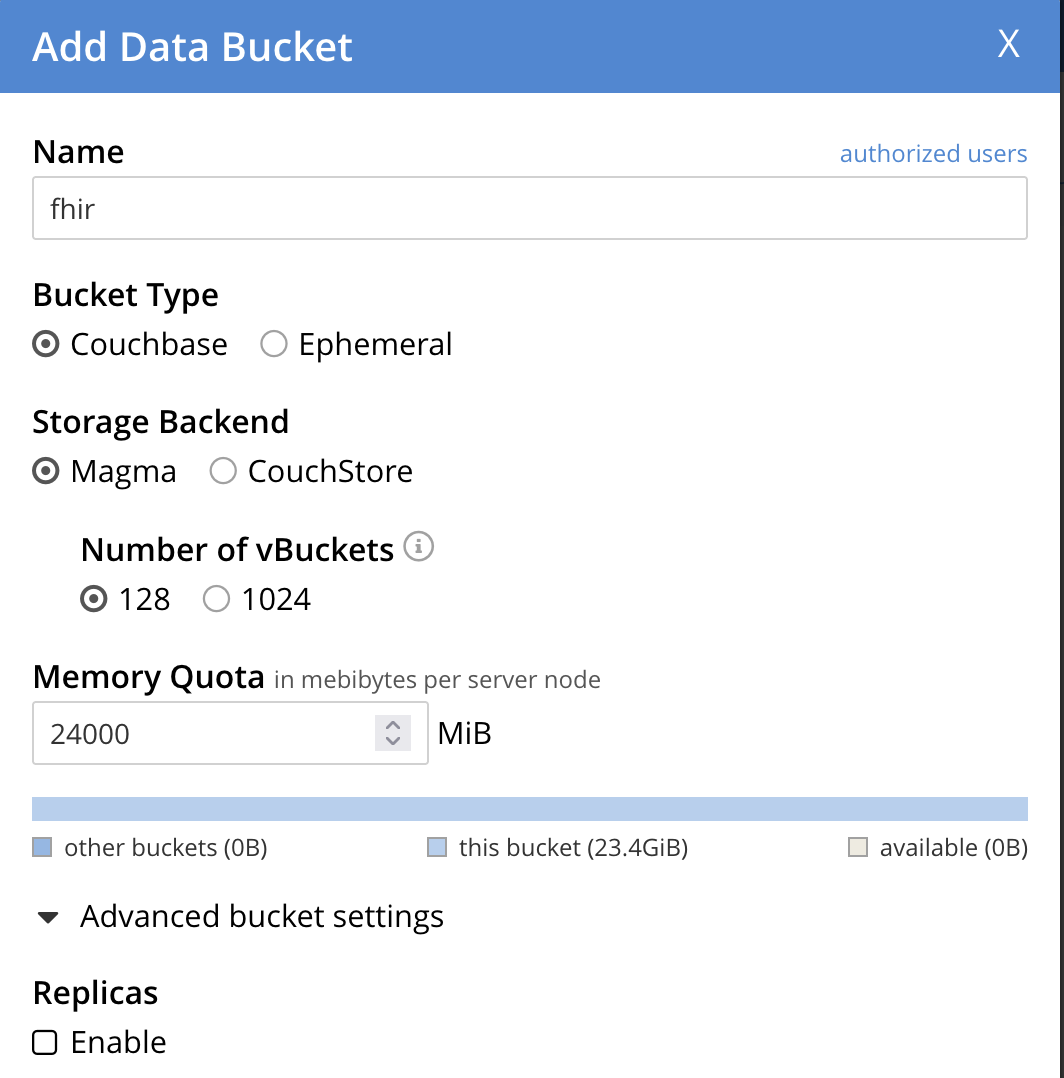
Configure your FHIR bucket:
Bucket Configuration Guidelines:
- Bucket Name: fhir this is fixed
- Memory Quota: Allocate based on your expected data volume
- Bucket Type: Keep as Couchbase (default)
- Replicas: Uncheck (single node)
- Compression: Enabled by default for better storage efficiency
- 🧪 Development Setup
- Production Setup
Recommended Configuration:
Bucket Name: fhir
Memory Quota: 1 GB
Durability: Majority
Compression: Enabled
Perfect for development, testing, and proof-of-concept deployments.
Recommended Configuration:
Bucket Name: fhir
Memory Quota: 4 GB or higher
Durability: Majority
Compression: Enabled
Suitable for production healthcare environments with high availability requirements.
Connection Information
After completing the setup, you'll need these details for your FHIR CE configuration:
When configuring FHIR CE, use your EC2 instance's connection details (example):
connection:
  connectionString: "host.docker.internal"
  username: "Administrator"
  password: "password"
  serverType: "Server"
  sslEnabled: false
Congratulations! Your Capella cluster is ready. Now you can install and configure FHIR CE to connect to this managed Couchbase instance.